Find stillness
in ten minutes a day
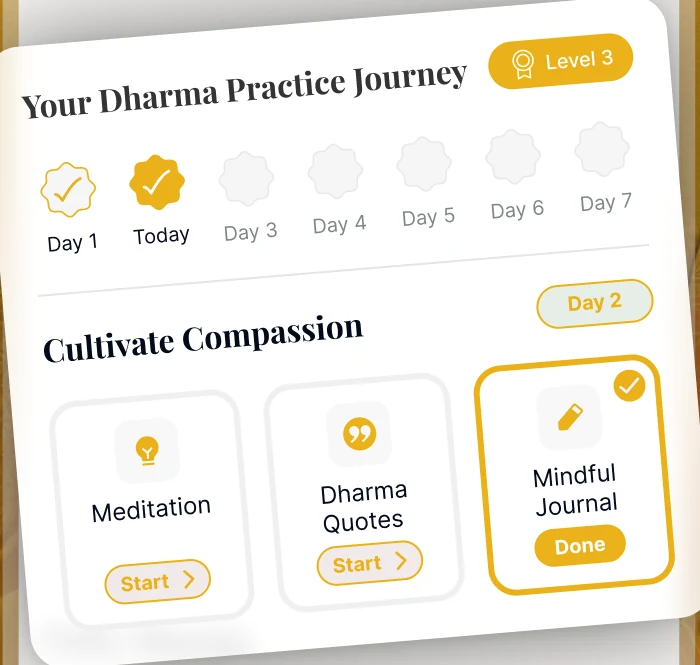
MindLotus is a daily Dharma practice in three small parts: a verse from the teachings, a line in your Mindful Journal, and a guided meditation of about ten minutes. It keeps your streak and your level, so you can see the run build.
Ten minutes, three small things
The Home screen opens on your Dharma practice journey: three activities for the day, each with a Start button and a Done mark.
Read three quotes
Dharma Quotes opens a verse full-screen, one at a time. Where a teaching has a reference, it is shown with it. Save a line, share it, or change how the card looks.
Write in the Mindful Journal
Pick a mood and write a short reflection. It is a two-minute activity on the Home card, and over time it becomes a record you can look back through.
Sit for ten minutes
A 10-minute guided meditation closes the day’s practice, played in the app’s own player with a scrub bar, skip, shuffle and repeat.
A practice, not a quote feed
The verse is the front door. The meditations, the journal and the library are what is built around it.
Guided meditation, at the length you have
10-minute guided meditations, hour-long Dharma immersions and sleep sessions, played in a full player with a scrub bar, skip, shuffle and repeat, a sleep timer, and a read-along.
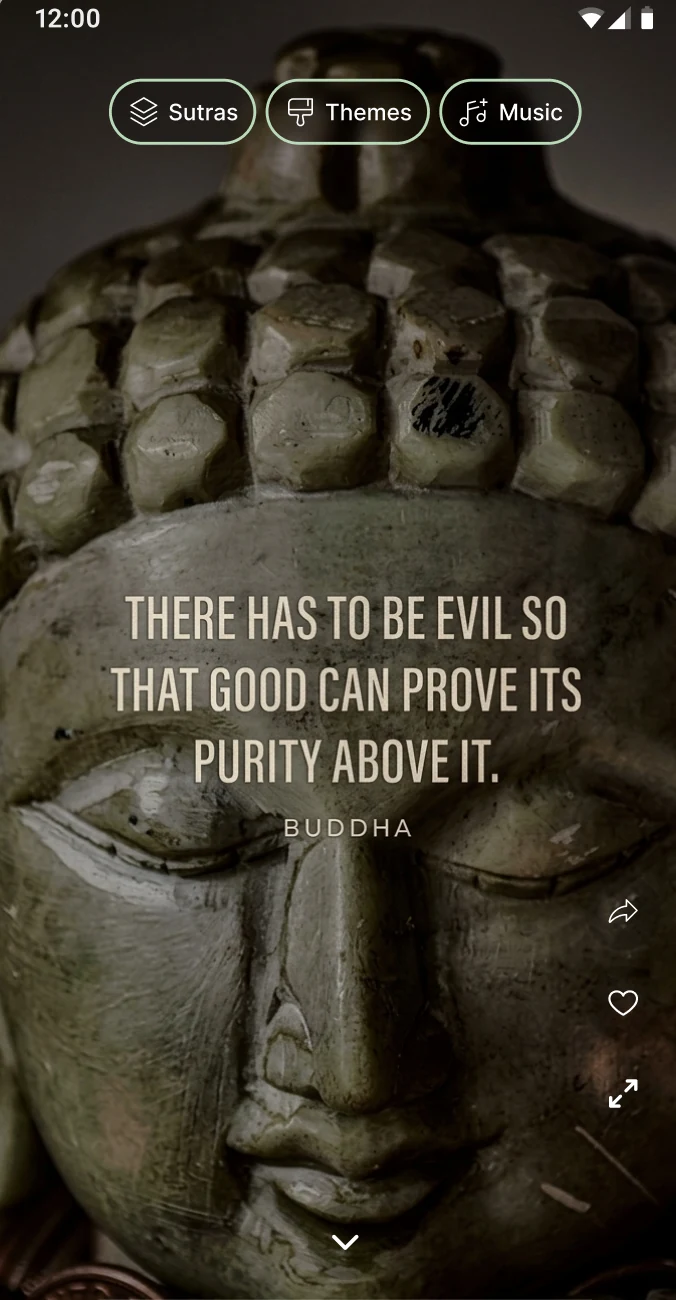
Dharma Quotes, full-screen
One teaching at a time over a quiet image, with Sutras, Themes and Music pickers along the top, and share, heart and expand actions beside the verse.
Themes and Music
Browse a gallery of looks for the quote card, filter by New, Most Popular, Free or Seasonal, or create your own, and set what plays underneath.
A Mindful Journal
A mood and a reflection, saved under your own account. Add a photo or tags, and find any entry again from a searchable history.
Insights you can read
Your Heart’s Journey chart, Today’s Mind State across morning, afternoon and evening, and Your Most Common Emotions, drawn from your own entries.
A line on your home screen
An Android widget you can resize to three sizes, and iPhone widgets for the Home Screen and Lock Screen — a teaching without opening the app.
Reminders you set
Choose your own reminders and switch push notifications on or off in Notification settings.
Your library
Make playlists, group quotes into collections, keep what you have saved, and return to the sessions you have played from History.
Your journal stays with your account
What you write is stored under your own account so it follows you to a new phone. Our Privacy Policy says we do not sell your personal data, and you can delete the account, and the data under it, from inside the app.
Whatever the length of the day
Listen → Explore is where the audio lives. These are the nine ways in.
A sit you can actually start
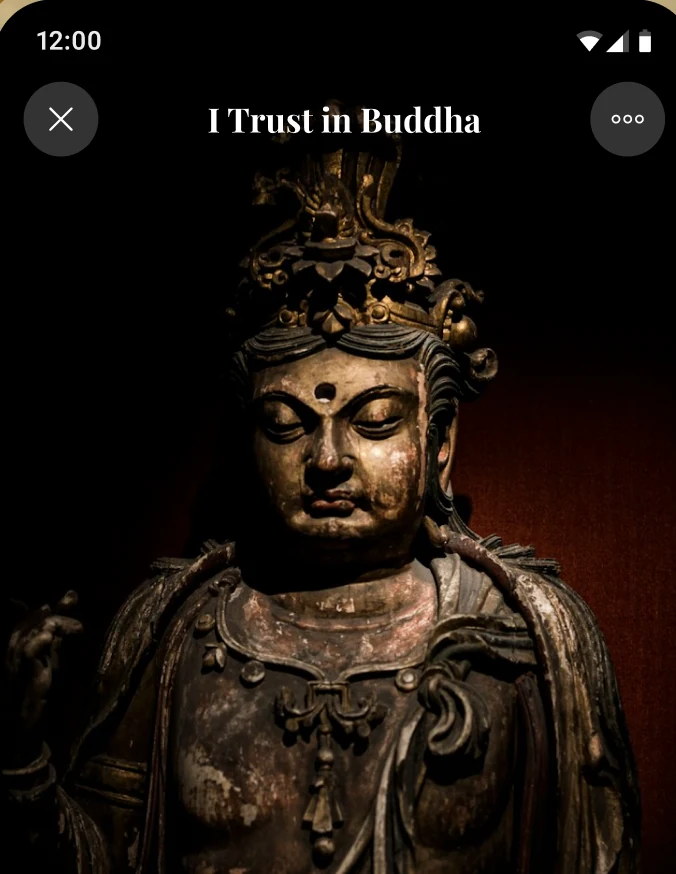
Ten minutes is a small ask for a morning. The player opens on the teaching’s artwork, with the title above and the controls where your thumb already is.
-
A real player A scrub bar, skip back and forward, shuffle and repeat, and a heart to save a session.
-
Sleep timer and read-along Set a sleep timer for the end of the day, and turn on a read-along.
-
Pick up where you left off Home shows a Continue card for the session or series you were in.
-
Keep it close Add sessions to your own playlists, and find the ones you have played in History.
A reflection, a line at a time
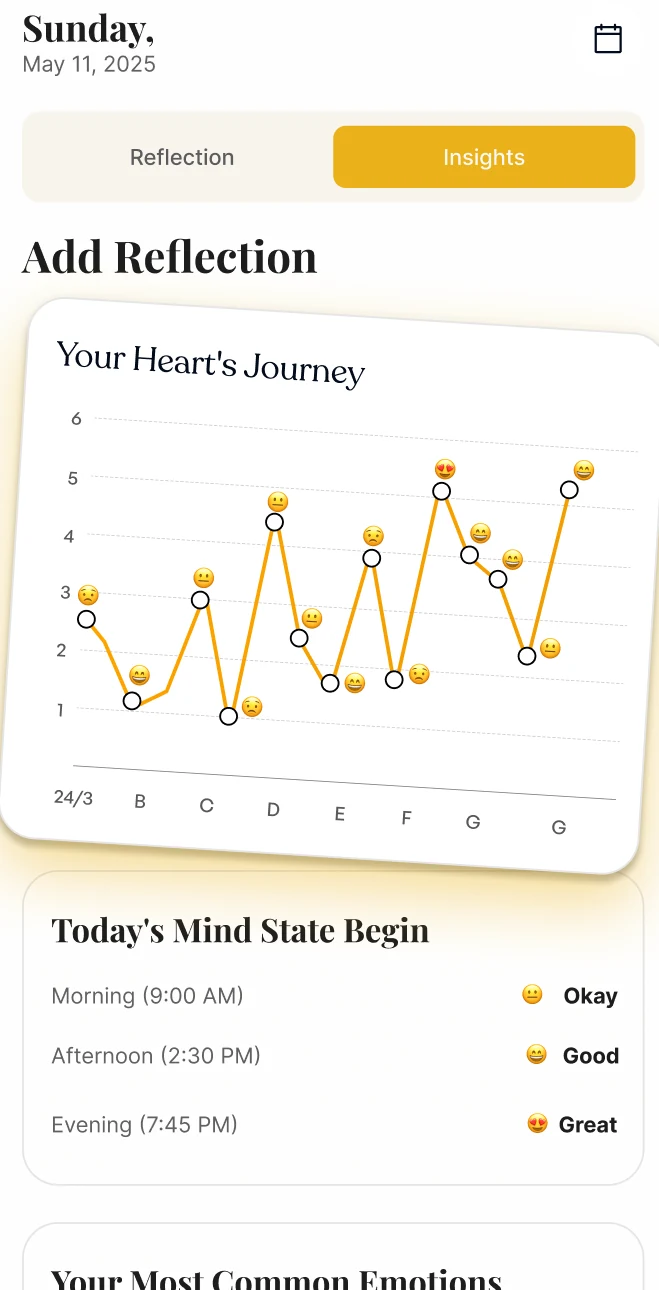
The Mindful Journal is two minutes on the Home card. The Insights tab turns the entries into something you can read back, so a heavy week looks like a dip rather than a verdict.
-
Reflection and Insights Two tabs: write on one, read the pattern on the other.
-
Your Heart’s Journey A chart of your moods over time, drawn from your own entries.
-
Morning, afternoon, evening Today’s Mind State shows the day’s entries side by side.
-
Your Most Common Emotions The feelings that keep coming up, counted from what you wrote.
A moment of Dharma on your screen
The hardest part of a daily practice is remembering it. A widget puts a line where you will see it when you pick up your phone.
-
Android One widget that you can drag to three sizes: 2 x 2, 4 x 2 or 4 x 4.
-
iPhone Small and medium Home Screen widgets, plus Lock Screen widgets from iOS 16.
-
Yours to set up Widget settings in your profile let you add a widget and choose how it looks.

Straight from inside the app
Real screens: a Dharma Quotes card, the player, the journey row, the Insights tab, the theme gallery and the widget.
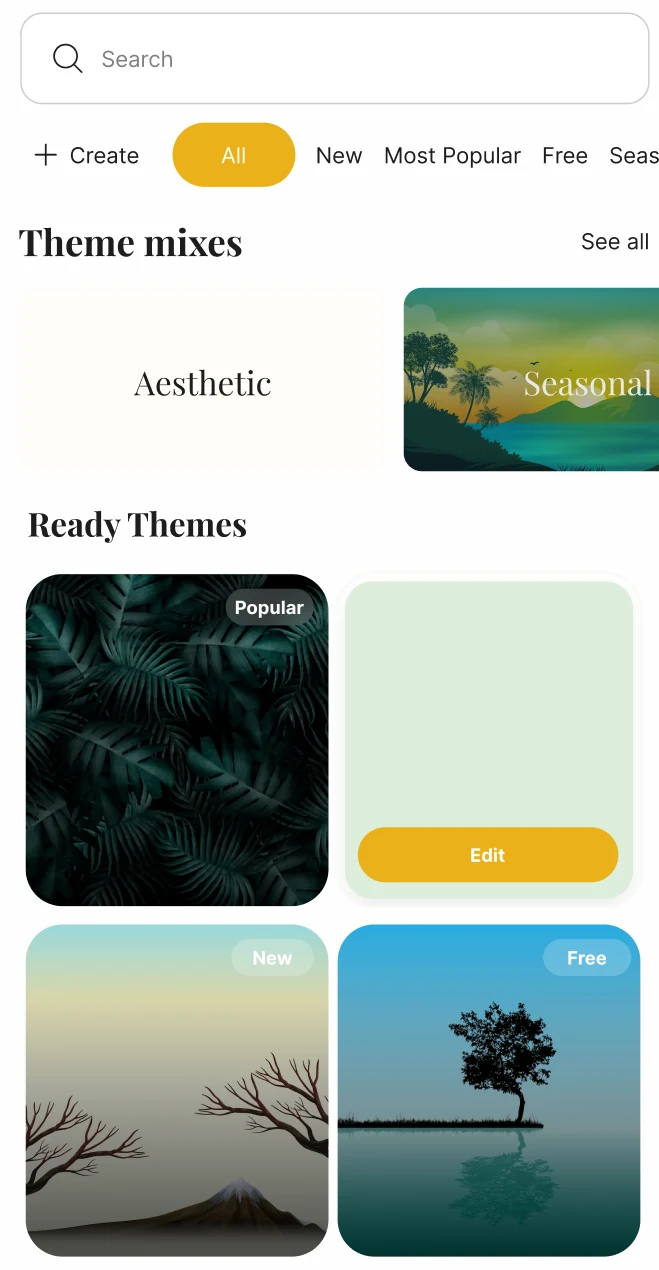
Taken from the MindLotus Google Play screenshots. The quotes, entries, dates and levels shown are examples, not a typical account.
What you get with MindLotus
MindLotus is free to download, and full access comes with a subscription. Where your store offers an introductory offer or a free trial, the purchase screen shows it before you commit.
Start with the appPrice, any introductory offer and renewal terms are set by the App Store or Google Play and are shown on the purchase screen in your region before you buy. A subscription renews automatically unless you cancel before the renewal date, and you can cancel any time from your store subscription settings.
-
Narrated audio sessions Guided meditations, immersions and sleep sessions.
-
Your own playlists Collect the sessions you return to.
-
Reflections matched to your answers Shaped by what you chose during setup.
-
Widgets and reminders A line on your home screen and reminders you set.
-
Cancel from the app or your store Manage the subscription in the app, or in your store account.
Questions, answered
The things people ask before they download.
Start with one quiet sit
Ten minutes tomorrow morning, before the day takes over. Free to download.